Category guide · 3 profiles

Family Displays

Compare family display hubs for shared calendars, routines, and always-on placement, including their subscription and hardware costs.

Latest cited source check

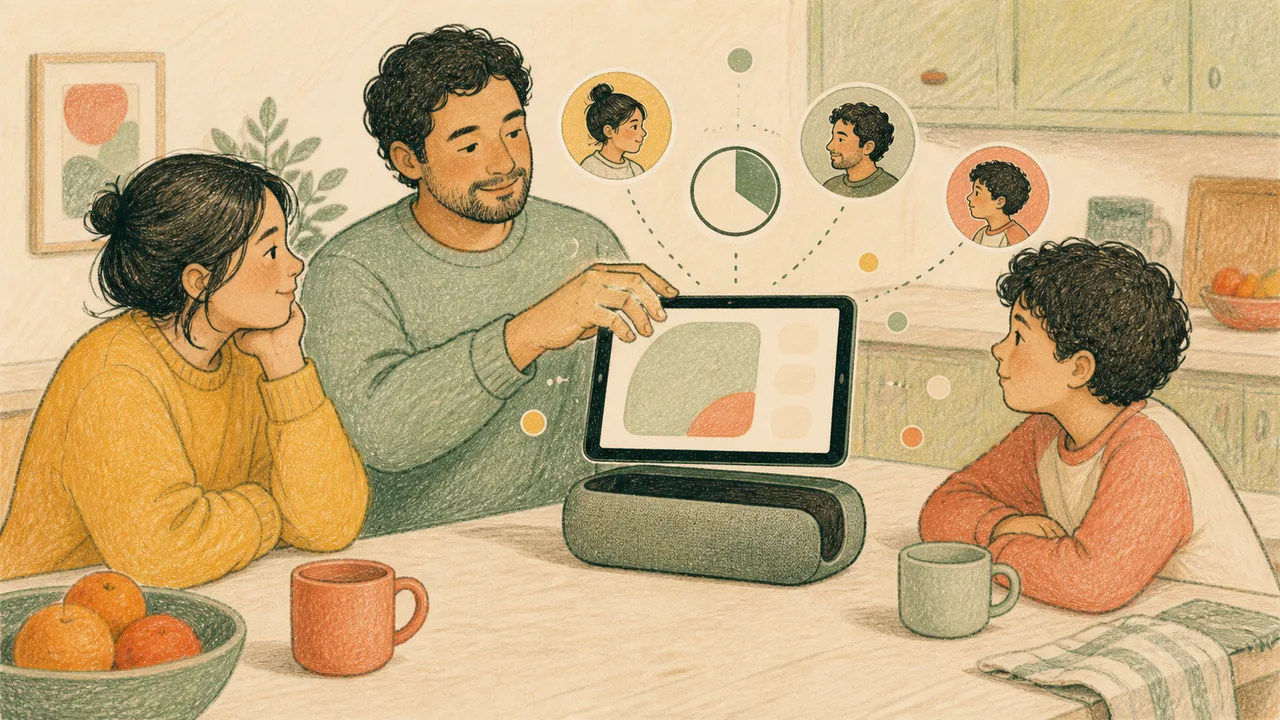
Editorial illustration of a family planning together around a generic wall-mounted household display
Editorial illustration · Not exact product photography.

Buying guide

What to check before you buy a family display

A family display puts one household calendar on one always-on screen, and the three profiles below differ far more in what they demand of you than in what they show. These are the four questions that decide which one fits, answered from each product record’s cited claims.

Whether the screen alone is the price

The Hearth Display lists at $699, and its Family Membership starts at $9 a month with cheaper effective rates on annual and multi-year billing. Hearth’s own product page contradicts itself on whether that membership is required to set the display up — the top copy says it is required, the FAQ says core features work without one — so treat the subscription as part of the purchase until Hearth resolves it. Skylight sells its imports, rewards and meal planning as an optional Calendar Plus tier on top of the hardware.

Which calendars it can actually sync

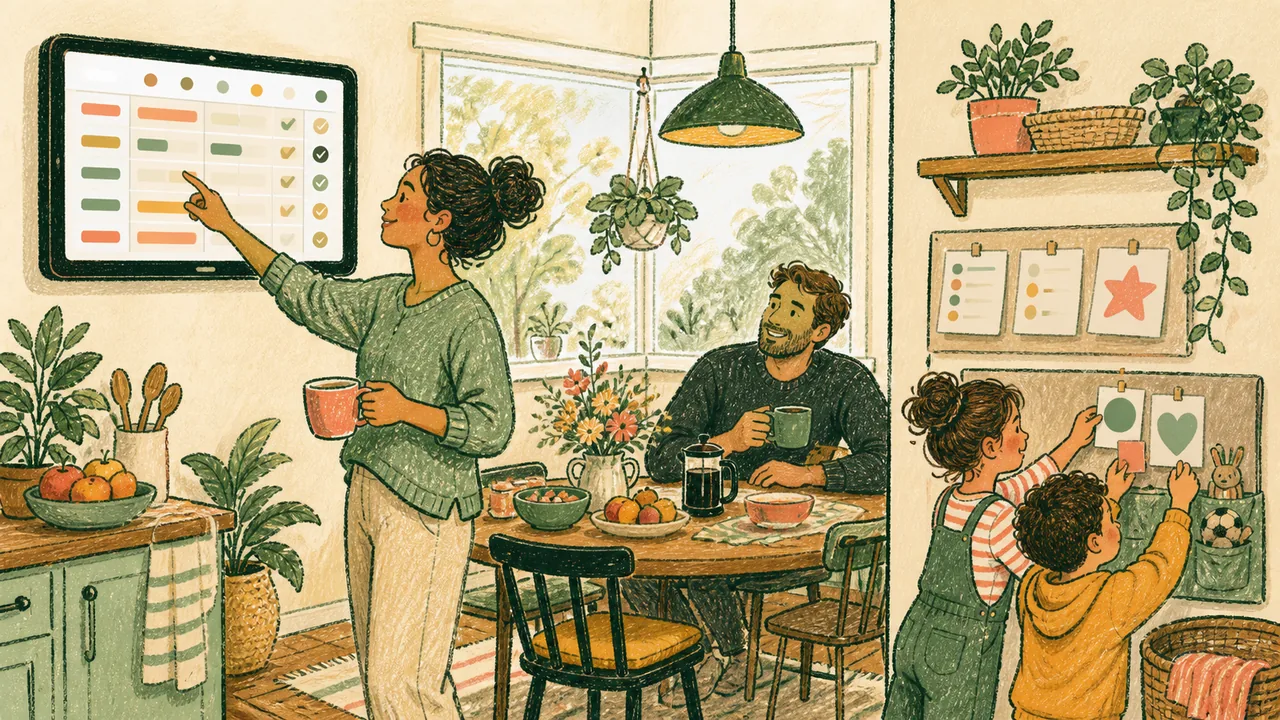
This is the question to settle first, because nothing else matters if your household calendar is not on the list. The Skylight Calendar supports Google, Apple, Outlook, Yahoo, Cozi, Readdle and public-link calendars. The Hearth Display syncs Google, iCal and Outlook, with iOS and Android companion apps. The Google Pixel Tablet works through a Google account and supported Android services.

Fixed fixture or movable device

The Hearth Display is a wall-mounted panel with a 27-inch diagonal screen, measuring 16.5 by 26.7 by 1.2 inches — a fitting, not a gadget. Skylight lists 10-, 15- and 27-inch sizes, so the same product can be a shelf display or a wall one. The Google Pixel Tablet is a portable Android tablet that becomes a shared-home screen when it returns to its optional charging speaker dock. Mounting is the decision you cannot reverse cheaply, so make it before you compare features.

What it needs to keep running, and what it shows the room

The Skylight Calendar requires Wi-Fi at all times and has to stay plugged in, and Skylight says the display cannot browse the internet or social media. Hearth lists a Privacy Mode among the display’s customizable features. Any of these screens shows your household’s schedule to everyone who walks past it, which is the point and also the trade-off — check what each one puts on screen by default before you hang it in a shared room.

Family DisplaysComparison available
Editorial illustration representing Skylight Calendar decision context with a family using a generic landscape household calendar display
Editorial illustration · Not exact product photography.

Skylight

Skylight Calendar

Syncs Google, Apple, Outlook, Yahoo, Cozi, Readdle and public-link calendars; requires continuous Wi-Fi and mains power.

16 cited claims Latest cited source check
Compare Skylight Calendar vs Hearth Display

Head to head

Every comparison in Family Displays

View all 11 comparisons →

FAQs

Frequently asked questions

What should I look for in a family display?
A family display puts one household calendar on one always-on screen, and the three profiles below differ far more in what they demand of you than in what they show. These are the four questions that decide which one fits, answered from each product record’s cited claims. In order: Whether the screen alone is the price; Which calendars it can actually sync; Fixed fixture or movable device; What it needs to keep running, and what it shows the room.
Which products does this family display guide cover?
Skylight Calendar, Hearth Display, Google Pixel Tablet. Every claim on those 3 profiles cites its source, and the most recent source check across them was 2026-08-25.