- What is the difference between the Skylight Calendar and the Google Pixel Tablet?
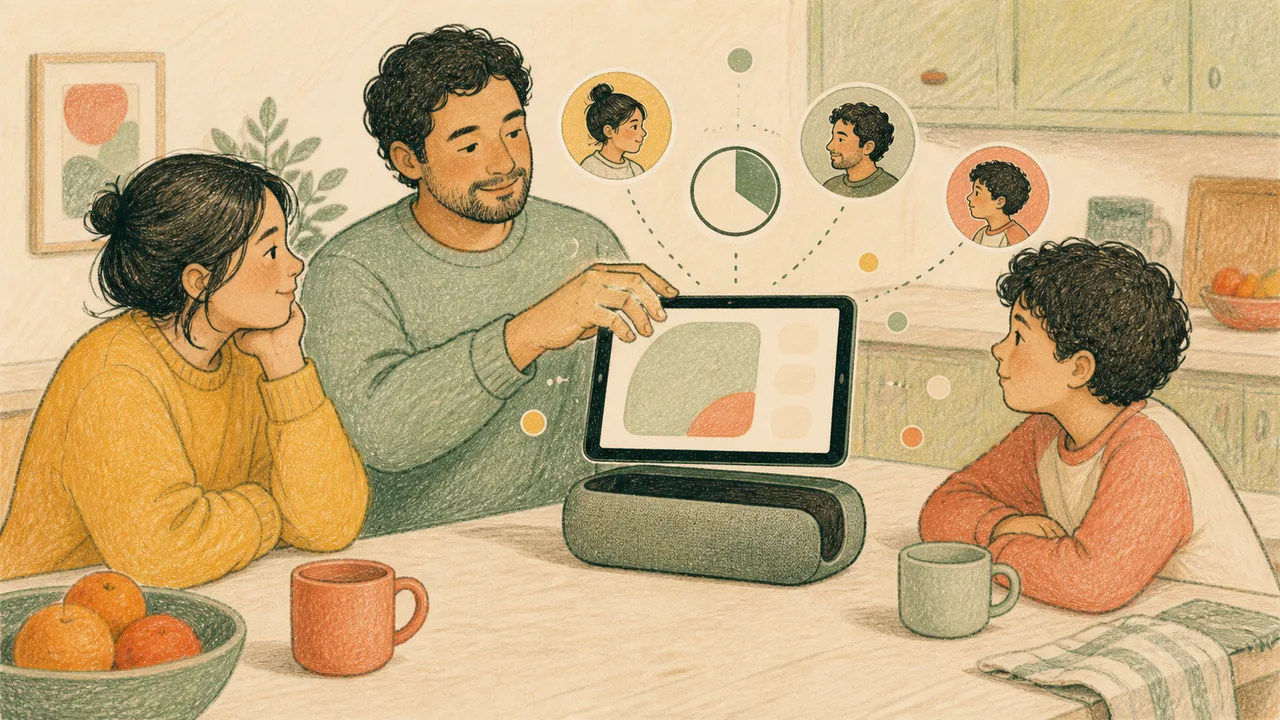
- A single-purpose family calendar appliance versus a general tablet that docks as a hub. Skylight Calendar: Syncs Google, Apple, Outlook, Yahoo, Cozi, Readdle and public-link calendars; requires continuous Wi-Fi and mains power. Google Pixel Tablet: Google account, Wi-Fi, supported Android services, and optional charging speaker dock.
- How much do the Skylight Calendar and the Google Pixel Tablet cost?
- Skylight Calendar: A June 2026 hands-on review listed $170 for the 10-inch, $300 for the 15-inch and $630 for the 27-inch Calendar Max, with the optional Calendar Plus subscription at $79 a year. Prices move, so check the current listing before you buy. Google Pixel Tablet: Retail bundles have changed over time, so check whether the speaker dock is included at the price you are quoted. Prices are the figures the cited source published, in US dollars. Availability, local taxes and regional pricing outside the United States can differ, so check the official product page for your country before you buy.
- Does the Skylight Calendar or the Google Pixel Tablet need a subscription?
- A second hands-on reviewer answers this for the Skylight directly: no, its essential features work without a subscription, and the optional Calendar Plus tier costs $79 a year on top of the $170 to $630 hardware price. What Plus gates is worth reading before comparing the two on hardware price alone — meal planning, the star-based chore reward system, Magic Import and the photo screensaver all sit behind it. The Google Pixel Tablet record lists a Google account, Wi-Fi and an optional charging speaker dock as what it needs, and names no subscription of its own.
- How many family members can have their own profile on the Skylight Calendar and the Google Pixel Tablet?
- A second hands-on reviewer records an unlimited number of family-member profiles on the Skylight, each assignable its own colour, and notes it in a side-by-side against a competing display that stops at eight. One caveat belongs next to that, because it lands on this exact feature: SlashGear’s hands-on review found extra profiles appearing after an existing calendar was synced, alongside unclear setup guidance and little customization. The two testers disagree and we publish both rather than settling it — the second reviewer describes setup as unbox, plug in, join Wi-Fi and create an account in the app, and reports nine months of daily household use on a 15-inch unit with no glitches in either the display or the app. The tester who struggled was the one importing a calendar that already existed, which is worth knowing before you sync one. The Google Pixel Tablet names no profile count to compare against: what its record lists is a Google account, Wi-Fi, supported Android services and an optional charging speaker dock, and family profiles and multi-user is one of three themes independent sources repeatedly raise about it, carried here as discussion rather than measurement. So if a per-person, colour-coded view of the week is why you are buying a screen, the Skylight is the side that states a number.
- What happens to the Skylight Calendar and the Google Pixel Tablet in a power cut?
- The Skylight goes dark. Its own compatibility line, printed in this page’s key-facts panel, says the display requires Wi-Fi at all times and must be plugged in, and a second hands-on reviewer records what that means in practice: there is no battery backup, the screen goes out in a power cut, and the fallback during the outage was the phone app until power returned. That is the trade a wall fixture makes — the schedule itself survives, but the shared copy of it in the kitchen does not, so whoever checks the wall on the way out has nothing to check. The Google Pixel Tablet record lists a Google account, Wi-Fi, supported Android services and an optional charging speaker dock, and names no continuous-power requirement of its own — the dock is where it charges rather than a condition of it running. It states no battery duration either, so how long it lasts away from the dock is not something the evidence here settles, and hub behavior and speaker dock value are two of three themes independent sources repeatedly raise about it, carried as discussion rather than measurement. Wi-Fi is the dependency both records name, so a router outage takes out either screen; mains power is the one only the Skylight cannot ride out.